If you are looking for an article that tells you about a detailed comparison of the Learning Management then this article is for you.What does lms mean in text?In this guide or article we have taken a comparison of the 12 most popular LMS of 2026 to find out which one is the best for the coaches,creators,professionals,training companies,Membership businesses and Universities as well.
In this article we will not only just evaluate the features and comparison of the LMS, but also discuss the many articles that have been written about that.The uniqueness of this article is that we will also compare their Tools, engagements, automation their scalability, course delivery and marketing tools.
This guide is helpful for not only the new commers but for also those who are dealing and managing a large amount of students to gather the combined information of the right LMS platform for them.
What are Lms Platform?
It is described as the software system that is used for creating,managing and delivering online learning.
How We Choose the LMS Platform ?
We have chosen the right lms platform,Best lms Platform or the benchmark of this article is its core LMS Features that includes their course creation,Progress tracking,Video hosting,Certifications,Student management,quizzes and Assessments.This is the basic benchmark of this guide and further evaluation will proceed accordingly.
Delivery Experiences:
In Course delivery experience we will check the Content Organization,student understanding and responsiveness,their experiences and engagement.
Business Marketing tools:
The top LMS Platform will also provide the best marketing tools experience that includes their landing pages, their email marketing, their sales build up and their other experiences like check out etc and many more.
Ai Readiness and Automation:
We favoured LMS with a solid framework of AI Automation,Workflow and APi Quality etc.
Scalability:
The right platform will provides the performance evaluation scalability and enterprises readiness,Multi instructional support and readiness.
Customisation:
The preferred LMS must have the flexible outcome or services of the customisation or the developers engagement and favourability who also provides the design control and the white – label capabilities.
Customer Support and Services:
The best LMs platform will also provide the right customer service experience that not only provides good support but also ensures the documentation quality and the active communities and the learning response.
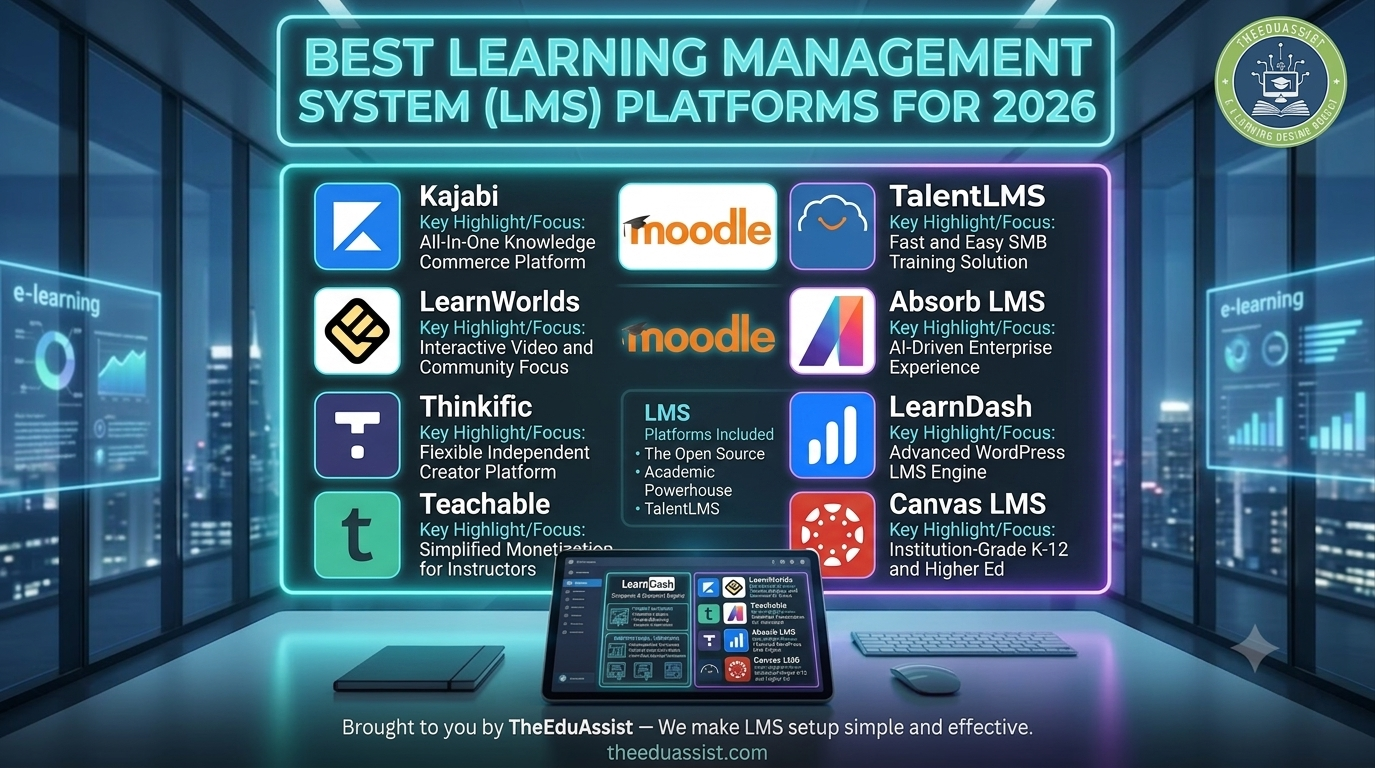
According to the Above requirement we have take out a list of the right LMS to evaluate and at the end we also have mentioned the honorable platform that can be kept into consideration:
Here is the list
LMS Platforms Included
- Kajabi
- LearnWorlds
- Thinkific
- Teachable
- Moodle
- TalentLMS
- Absorb LMS
- LearnDash
- Canvas LMS
Now this section provides the detailed comparison of all this LMS based on the Experiences,features and developer experience
and core scoring etc.
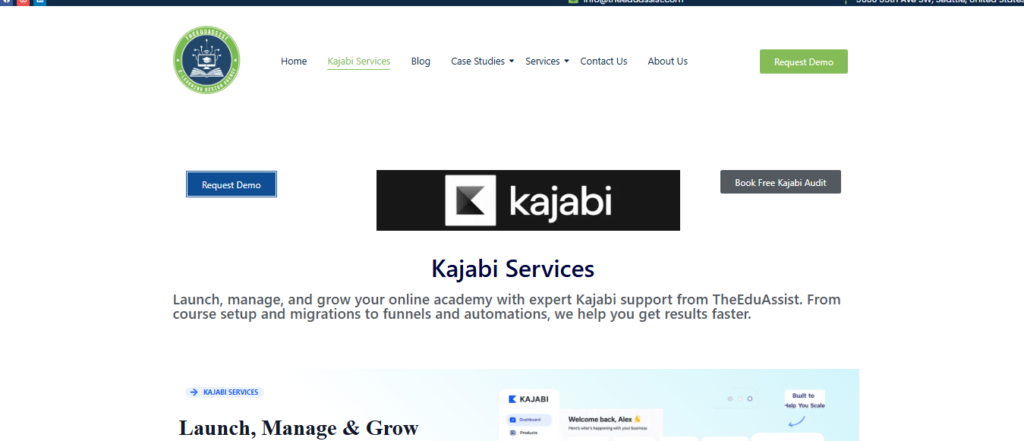
Kajabi :
Overall Score 9.5/10
➕Excellent Automation Tools
➕Premium Experinece of the students
❌ High Cost
❌Wordpress is more flexible
❌Limited Quizzes
Tech Stack:
Proprietary Saas Platform on a build in Cloud infrastructure
Lisence:
Proprietary Commercial Software
Links
Website: Kajabi
Demo: Kajabi Demo & Product Tour
Source Code: Not publicly available (closed source)
| User Experience | Dev.Experience | Agent Experience |
| What Works WellProduct creation)Online Course Platform)Sales funnelsEmail sequencesKajabi Marketing ServicesCommunity toolsMembership managementCheckout optimization | What works well:Clean interfaceMobile responsivenessCommunity engagementProgress tracking | What works well:API accessZapier integrationsWebhooksAutomation |
| What is missing?Advanced academic assessmentsSCORM complianceEnterprise learning feature | What’s missing:Gamification depthAdvanced learning paths | What’s missing:Open-source flexibilityDeep code customization |
For Comparison with different LMS visit Kajabi Vs Clickfunnels, Kajabi vs Teachable , Kajabi
For Consultation: Book Free Kajabi Audit
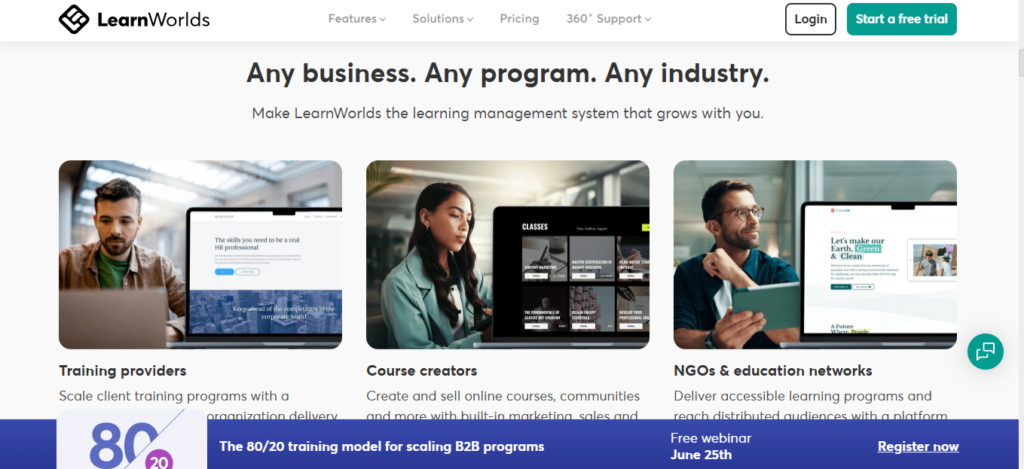
LearnWorlds:
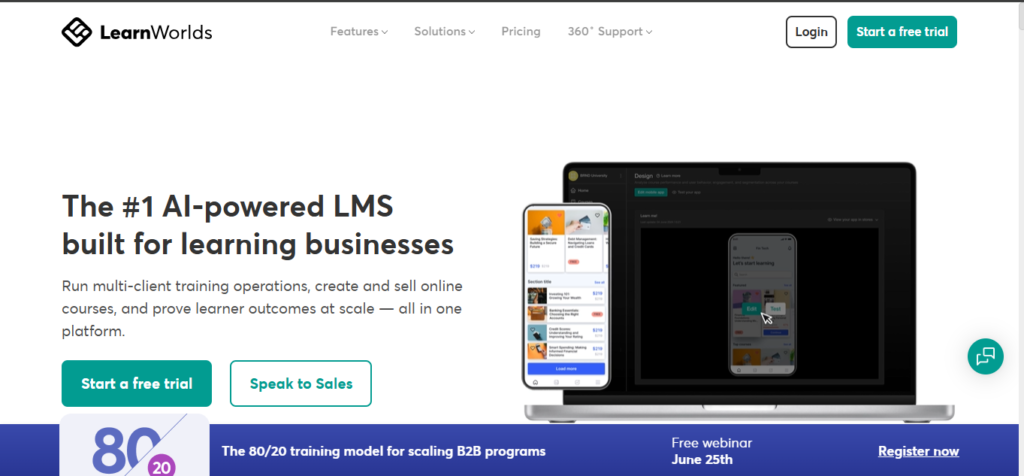
Overall Score : 9.2/10
➕Learning Analystics
➕Great Videos
➕Overall Best Learning Experince
➕Best Assessment options
❌Learning Curve
❌Less Intuitive arleting tools
Tech Stack:
Proprietary Saas Platform on a build in Cloud infrastructure
Lisence:
Proprietary Commercial Software
Links
Website: LearnWorlds
Demo : LearnWorlds Demo Source
Source Code: Not publicly available (closed source)
| User Experience | Dev.Experience | Agent Experience |
| What works well:Interactive videosNote-takingHighlightsCertificationsLearning paths | What works well:API accessCustom integrationsWhite-label apps | What works well:REST API for custom integrationsWebhooks for automation workflowsIntegrations with CRM, email marketing, and analytics toolsWhite-label options for custom brandingSupport for custom domains and advanced site customization |
| What’s missing:Simpler onboarding | What’s missing:Community ecosystem size | What could be better:Less flexibility than fully open-source LMS platformsSmaller developer ecosystem compared to WordPress-based solutionsLimited access to underlying platform architectureSome advanced customizations require higher-tier pricing plans. |
For More details and information : LearnWorlds Guide , Miami eLearning Services: LearnWorlds Course Design Made Easy ,Ultimate LearnWorlds LMS Guide: How eLearning Businesses in Chicago Can Design Microlearning Courses
Thinkific:
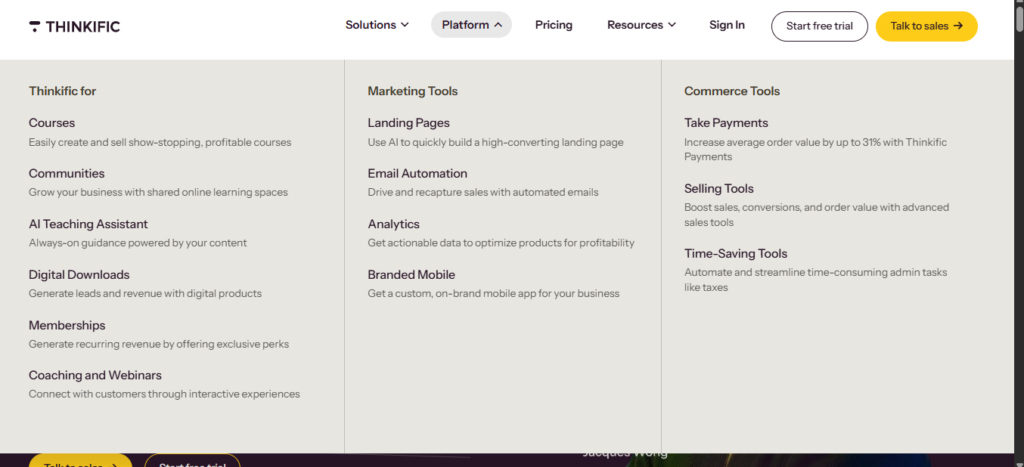
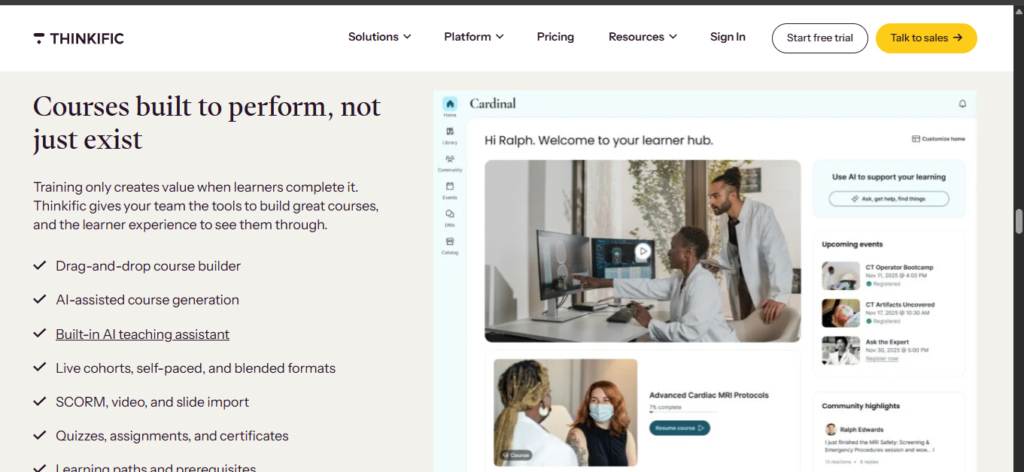
The total score is 9.0 out of 10
➕Pricing in range
➕Great and reliable
➕Easy to use
➕Strong App Marketplace
❌Limited Automation
❌weaker marketing tools as compare to Kajabi
Tech Stack:
Proprietary Saas Platform on a build in Cloud infrastructure
Lisence:
Proprietary Commercial Software
Links:
Source Code: Not publicly available (closed source)
| User Experience | Dev.Experience | Agent Experience |
| What works well:Very clean and intuitive interface for beginnersFast course setup with guided workflowsSimple student dashboard and navigationEasy publishing of courses and lessonsSmooth checkout and enrollment process | What works well:REST API for integrationsZapier and third-party automation supportWebhooks for basic event trackingWorks well with common SaaS tools (email, CRM, analytics) | What works well:AI-assisted tools for course outlines and content creationBasic automation for marketing and email workflowsHelps speed up content production for creatorsSome AI features for copywriting and lesson structuring |
| What is not working / limitations:Limited advanced learning paths and personalizationBasic gamification featuresFewer design customization options compared to premium LMS platformsCommunity features are relatively simple | What is not working / limitations:No access to backend or core system (closed SaaS)Limited deep customization of platform logicSmaller developer ecosystem compared to WordPress-based LMS toolsAdvanced enterprise-level integrations may require workarounds | What is not working / limitations:Not a fully AI-native LMSLimited autonomous “agent-like” workflowsAI support is mostly assistive, not decision-makingNo advanced adaptive learning intelligence yet |
For More details and information :Thinkific ,How to create thinkific Course ? Thinkific: Create Strong and Massive Courses that Actually Work
Teachable :
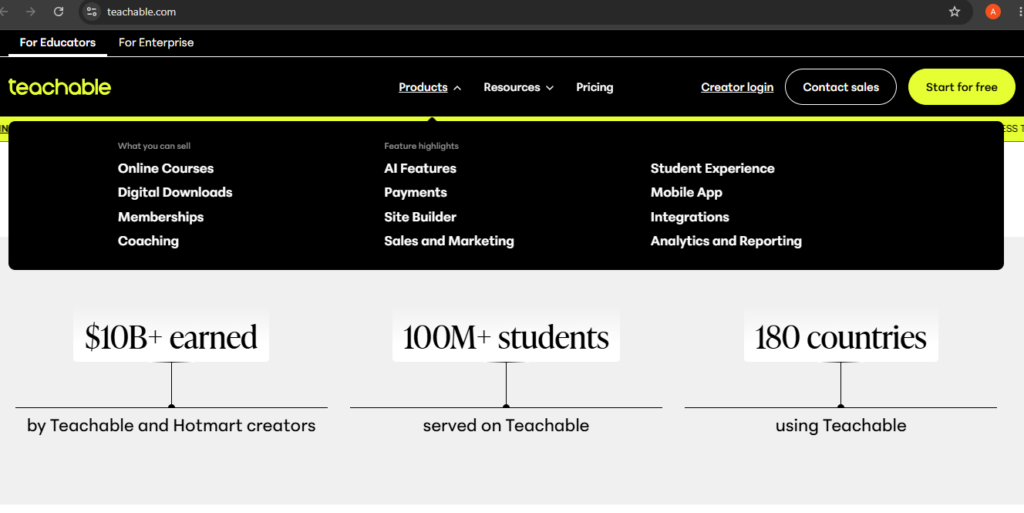
Score is 8.8 out of 10
➕User Friendly
➕Checkout experience
➕ Setup
❌Basic Features
❌ Custamization is limited
Tech Stack:
Proprietary Saas Platform on a build in Cloud infrastructure
Lisence:
Proprietary Commercial Software
Links:
Source Code : Not publicly available
| User Experience | Agent Experience | Dev.Experience |
| What works well:Very simple and beginner-friendly interfaceFast course setup with step-by-step builderClean student dashboard and learning flowEasy payment setup and checkout processGood for solo creators and small teams | What works well:AI-assisted tools for course creation and content generationHelps with writing landing pages, emails, and lesson contentBasic automation for marketing and student engagementUseful for speeding up content production | What works well:REST API for integrationsSupports webhooks for automationIntegrates with tools like Zapier, email platforms, and CRMsWorks well for standard SaaS workflows |
| What is not working / limitations:Limited design customization optionsBasic community and engagement featuresFewer advanced learning paths and personalization toolsNot ideal for complex academic or enterprise training systems | What is not working / limitations:Not an AI-native LMS platformNo fully autonomous agent workflowsLimited adaptive learning intelligenceAI features are mostly assistive, not decision-making systems | What is not working / limitations:Closed SaaS system (no backend access)Limited control over core platform behaviorSmaller developer ecosystem compared to WordPress-based LMSAdvanced custom workflows require external tools |
For More details and information : Teachable vs Udemy, How to use Teachable? Teachable vs Kajabi ,Teachable guide
Moodle:
Overall Score: 8.7 out of 10
➕Educational Standard
➕Open Source
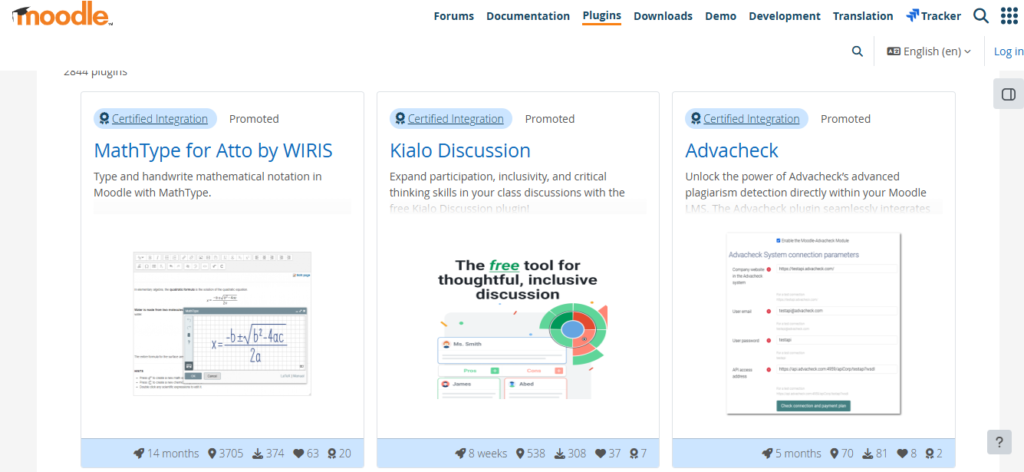
➕Plugin
➕User friendly/Customisation
❌obsolite Experince needs upgradation
❌Technical Expertise
Tech Stack:
Tech Stack LAMP/LEMP, (Linux, Apache/Nginx, MySQL/MariaDB, PHP) with Cloud infrastructure
Lisence:
GNU (General Public License)
Links:
| User Experience(UX) | Dev. Experience (DX) | Agent Experinece (AX) |
| What works well:Highly flexible learning management system for structured coursesStrong support for quizzes, assignments, and assessmentsDetailed course organization with modules and topicsWorks well for schools, universities, and formal education systemsLarge plugin ecosystem for extending functionality | hat works well:Fully open-source with complete code accessHighly customizable PHP-based architectureLarge plugin and extension ecosystemStrong community support and documentationCan be hosted on any server or cloud environment | What works well:Supports integrations with AI tools and external automation systemsCan be extended with plugins for analytics and adaptive learningFlexible structure allows building intelligent learning workflowsWorks well with external AI services via APIs |
| What is not working / limitations:Outdated and less modern interface compared to SaaS LMS platformsSteeper learning curve for new usersNavigation can feel complex for students and instructorsRequires configuration and setup knowledge for best experience | What is not working / limitations:Requires technical expertise in PHP and server managementMaintenance, updates, and scaling are self-managedPlugin compatibility issues can occur across versionsNot as plug-and-play as SaaS LMS platforms | What is not working / limitations:No native AI/agentic features built into core systemRequires external setup for automation and intelligenceNot AI-native (manual configuration needed for smart workflows)No built-in autonomous learning or recommendation engine by default |
For More details and information : Guide for Moodle, Moodle
Talent LMS :
Overall Score : 8.5 out of 10
➕User Friendly
➕interface
➕Corporate trainings and Emloyees Onboarding
➕No Coding Required
➕Gamification
➕Automation for Courses and tracking
➕Multi Language Support
➕Scaling for small and medium enterprises
❌limited customisation
❌Not ideal for Advanced Systems
❌Reporting and analytics are basic plans
❌Limited marketing and Sales funnels
❌intrgrations required external tools
❌low flexibility rate
❌obsolete UI
Tech Stack:
Cloud Based SaaS Platform
Lisence:
Proprietary Commercial Software (Closed Source SaaS)
Links:
Source Code : Not publicly available
| User Experience (UX) | Dev. Experience (DX) | Agent Experiemce (AX) |
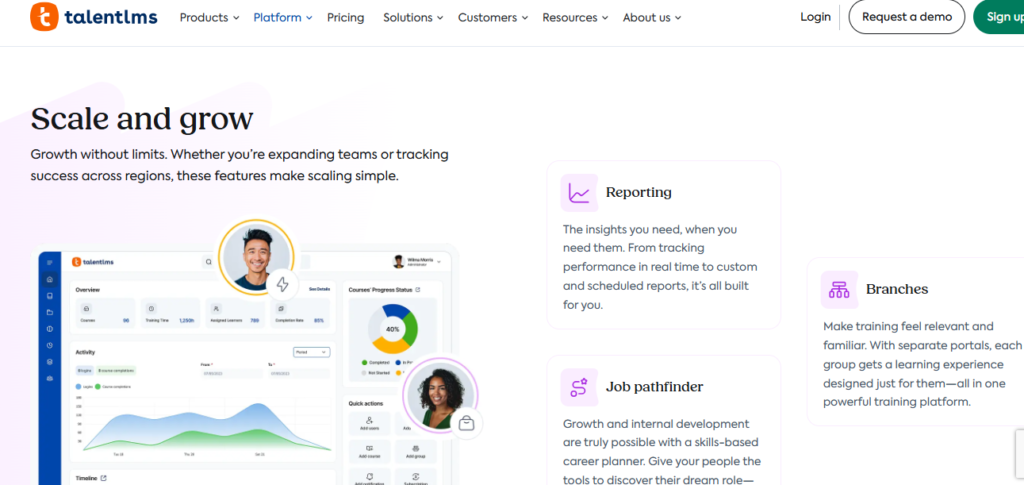
| What works well:Very simple and intuitive interface for admins and learnersQuick course creation and assignment processClean learner dashboard with progress trackingStrong onboarding flow for corporate teamsMobile-friendly learning experienceEasy gamification setup (points, badges, certificates) | What works well:API support for integrations with HR and business toolsWorks well with Zapier and automation platformsSupports webhooks for event-based workflowsEasy integration with corporate SaaS ecosystems (HRMS, CRM, etc.)Cloud-based architecture reduces deployment complexity | What works well:Supports automation for course assignment and trackingCan integrate with AI tools via APIs and external servicesGood for workflow automation in corporate training environmentsStructured data makes it easy to connect with AI systems |
| What is not working / limitations:UI feels more functional than modern or premiumLimited design customization optionsLess engaging for advanced or creative learning experiencesBasic community and social learning featuresNot ideal for highly complex academic course structures | What is not working / limitations:Closed SaaS system (no access to backend or core code)Limited deep customization of platform logicAdvanced integrations may require higher-tier plansSmaller developer ecosystem compared to WordPress or open-source LMS | What is not working / limitations:No native AI-first or autonomous agent featuresLimited built-in personalization intelligenceRequires external tools for advanced AI-driven learning pathsNot designed for adaptive or self-optimizing learning systems |
For More details and information : TalentLMS , Ultimate TalentLMS Onboarding Framework for eLearning Creators in Ohio
Absorb LMS:
Overall Score 8.4 out of 10
➕Enterprise-grade LMS
➕Great Scalability
➕Analytics and Reporting
➕Training and Certification tracking
➕Good Automation and Integration
➕User Friendly and White- Label options
❌Expensive
❌Setup and Configuration
❌Not for Small Businesses
❌Marketing and Funnel
❌Restricted UI
❌Required Training and Not Flexible
Tech Stack:
Cloud Based SaaS Platform (Build- in for Enterprise Learning Interface)
Lisence:
Proprietary Commercial Software (Closed Source SaaS)
Links:
Source Code : Not publicly available
| User Experience (UX) | Dev. Experience (DX) | Agent Experiemce (AX) |
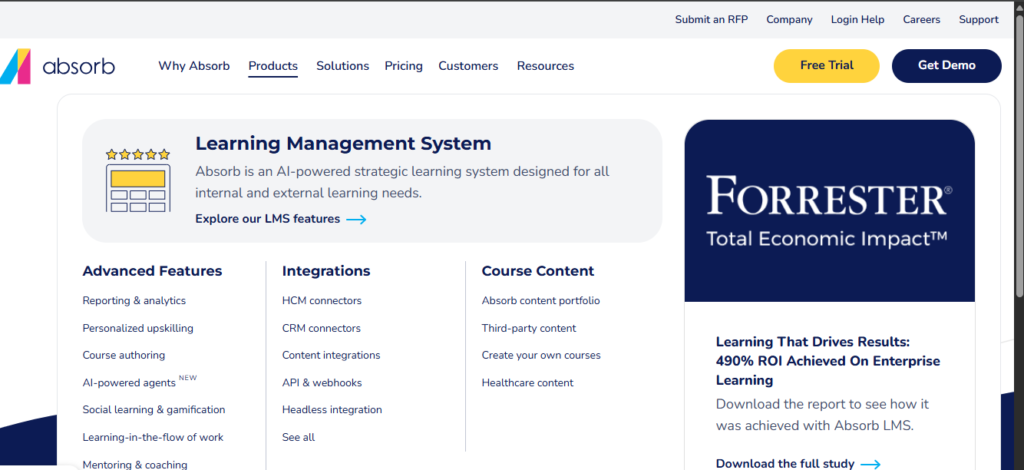
| What works well:Clean, modern enterprise-grade interfaceStrong learner dashboard with clear progress trackingStructured learning paths for compliance and training programsSmooth onboarding experience for corporate employeesMobile-friendly learning experienceGood certification and completion tracking system | What works well:Robust REST APIs for enterprise integrationsWebhooks for event-driven automationStrong integrations with HR systems, CRM, and enterprise toolsScalable cloud infrastructure suitable for large deploymentsGood documentation for enterprise-level integrations | What works well:Supports automation for onboarding and training workflowsCan integrate with AI tools through APIsStructured learning data enables potential AI-driven analyticsUseful for compliance automation and reporting workflows |
| What is not working / limitations:Can feel complex for first-time adminsUI is less flexible compared to creator-focused LMS platformsNot optimized for casual or individual course creatorsLimited creative control over learning design and layout | What is not working / limitations:Closed-source system (no backend access)Limited customization beyond provided APIsRequires enterprise-level setup for advanced integrationsSmaller developer ecosystem compared to open-source LMS platforms | What is not working / limitations:No native AI/agent-first capabilities built into the platformLimited personalization intelligence out of the boxRequires external AI tools for adaptive learning experiencesNot designed for autonomous or self-optimizing learning systems |
LearnDash LMS:
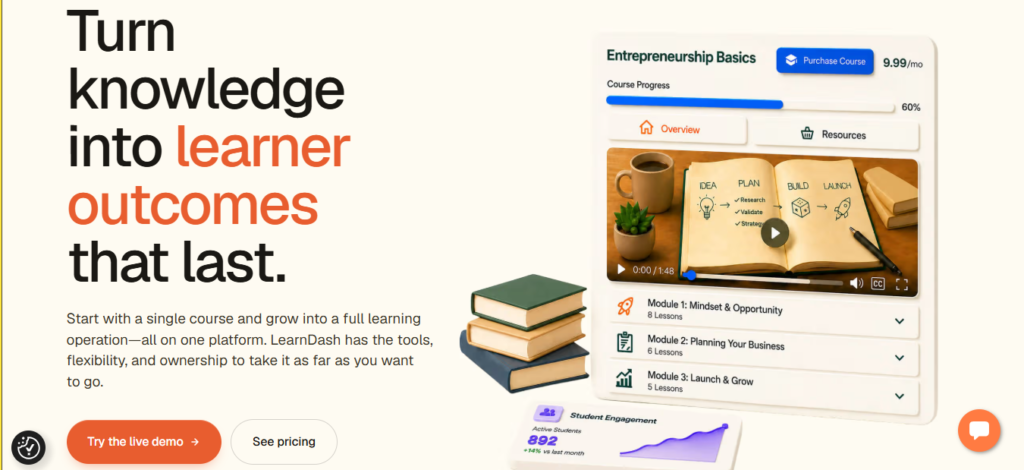
Overall Score of 8.5 out of 10
➕highly customizable and ownership of data
➕Large Plugin and course building features
➕Cost Effective Licensing Model
➕Woocommerce and WordPress tools
➕Full Website and LMS Support
➕Membership and Subscription Support
❌Complex and Heavy
❌Wordpress Setup and Maintenance
❌Technical Management and manual update
❌Large enterprises may required optimised work
Tech Stack:
Plugin Based on WordPress,Web Hosting Environment,PHP.JAVA,MySQL(LAMP/LEMP).
Lisence:
Proprietary Commercial Software
Links:
Source Code : Not publicly available (Commercial WordPress Plugin)
| User Experience (UX) | Dev. Experience (DX) | Agent Experiemce (AX) |
| What works well:Flexible course creation with lessons, topics, quizzes, and certificatesStrong support for drip content and learning pathsSeamless integration with WordPress membership and e-commerce pluginsGood student progress tracking and reportingCan deliver highly customized learning experiences | What works well:Deep customization through WordPress hooks, filters, and APIsLarge ecosystem of WordPress plugins and integrationsFull control over hosting, data, and site architectureExtensive documentation and developer resourcesEasy integration with WooCommerce, membership plugins, and CRMs | What works well:Can integrate with AI tools through WordPress plugins and APIsFlexible automation via Zapier, Make, and custom workflowsSupports AI-assisted content creation and learner engagement toolsOpen ecosystem enables experimentation with AI-powered learning experiences |
| What is not working / limitations:User experience depends heavily on the WordPress theme usedInitial setup can be complex for beginnersPerformance may suffer on poorly optimized hostingRequires additional plugins for some advanced features | What is not working / limitations:Requires WordPress and PHP knowledgePlugin conflicts can occur in complex setupsMaintenance, security, and updates are the owner’s responsibilityScaling large installations may require technical optimization | What is not working / limitations:No native AI-first capabilities in the core platformRequires third-party plugins for advanced AI functionalityLimited built-in adaptive learning intelligenceAgentic workflows depend on external integrations rather than core features |
For More information: LearnDash vs LifterLMS
Canvas LMS:
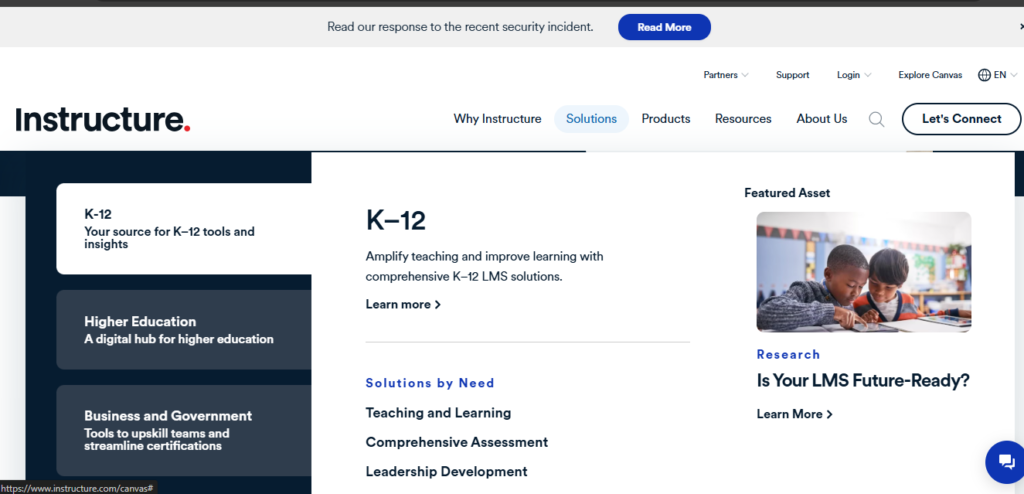
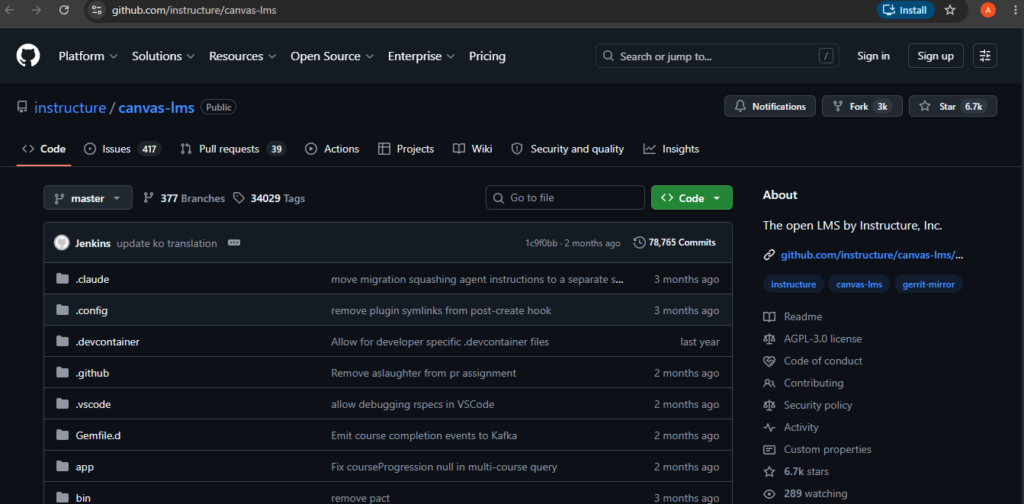
Overall Score is 8.1 out of 10
➕User and Mobile Friendly
➕Great Assessments,quizess etc
➕Suitable for higher Education and all sizes institutions
➕Mobile apps
➕Strong Analytucs and reporting
➕Cloud Based Performance
❌Expensive
❌Limited Sales and Marketing Features
❌Not for Course Creator
❌Not User friendy for beginners
❌Need trainings for its advanced features
❌Less developed Community and Membership features
Tech Stack:
Cloud Based Java Infrastructure(JavaScript and PostgreSQL).
Lisence:
Open Source (Community Edition available under AGPLv3) and Commercial SaaS offerings.
Links:
Source Code :Open Source Publicly Available Community Edition
| User Experience (UX) | Dev. Experience (DX) | Agent Experiemce (AX) |
| What works well:Modern and intuitive interface for students and instructorsExcellent course organization with modules, assignments, and discussionsStrong mobile experience through dedicated appsRobust grading, assessment, and feedback toolsSeamless integration with video conferencing and educational toolsGood accessibility support for diverse learners | What works well:Open-source community edition with full source code accessComprehensive REST API and developer documentationStrong support for LTI integrations and educational standardsLarge developer and institutional communityHighly extensible through plugins and custom integrations | What works well:Strong API ecosystem for AI and automation integrationsRich learning data supports analytics and intelligent workflowsCompatible with external AI tutoring, assessment, and reporting toolsSupports automation through APIs, webhooks, and third-party platforms |
| What is not working / limitations:Can feel overwhelming for new users due to the number of featuresSome workflows require multiple clicks to complete simple tasksCustomization options for course appearance are limitedPerformance may vary depending on institutional configurations | What is not working / limitations:Requires significant technical expertise for self-hostingComplex codebase and deployment processInfrastructure and maintenance responsibilities fall on the institutionAdvanced customizations may require dedicated development resources | What is not working / limitations:No native AI-first learning assistant in the core platformAdvanced AI functionality requires third-party integrationsLimited built-in adaptive learning intelligenceAutonomous learning recommendations depend on external tools and custom development |
For More information and details : Ultimate Thrilling Canva Development and Design Support: that Sell
Honourable Mentions:
How to Build a High-Engaging Online Community in Mighty Networks (2026)?
- Open edX
- Blackboard Learn
- Docebo
- iSpring Learn
- Litmos
- Tovuti LMS
- Tutor LMS
- MemberPress Courses
- Academy Of Mine
- LifterLMS
- Schoology
- Google Classroom
- Cornerstone Learning
- D2L Brightspace
- LearnUpon
- Chamilo LMS
- Forma LMS
Conclusion:
Concluding all,when we talk about the most useful Lms it does not now a matter of who has most of the features but it is about having a fit in learning model.
Kajabi,Thinkific and Teachable top 3 are suitable for the course creators and coaches that combine the features of marketing and course creation at one platform.
When we talk about LearnWolds and Canvas LMS,it comes up for those who need instructional design and educational purposes.
Moodle and LearnDash is suitable for those who like to have a customised hosting and full control of their infrastructure.
When we talk about Talent LMS and AbsorbLMS it is for corporate and compliance features and automation etc for the use of corporate training and enterprise scale.
In the end,no platform is considered to be the best but according to the needs and matching the features with the requirements.
FAQs:
What’s the Best LMS for Small Business Employee Training?
The best LMS for small businesses is one that is affordable, easy to use, and scalable. Platforms like TalentLMS, Thinkific, and LearnWorlds offer employee training, progress tracking, reporting, and automation without requiring extensive technical expertise.
How Do I Choose an LMS for My Company?
Start by evaluating your training goals, budget, team size, and required features. Look for an LMS that offers course management, learner tracking, reporting, integrations, mobile access, and the flexibility to support future growth.
What Should a Good LMS Have?
A good LMS should include course creation tools, assessments, progress tracking, reporting, mobile compatibility, automation, integrations, and an intuitive user experience for both administrators and learners.
Is a Cloud-Based LMS Better Than a Self-Hosted LMS?
Cloud-based LMS platforms are easier to set up, maintain, and scale because the provider handles hosting and updates. Self-hosted LMS solutions offer greater customization and control but require technical expertise and ongoing maintenance.
Can an LMS Improve Employee Performance?
Yes. An LMS helps organizations deliver consistent training, track employee progress, identify skill gaps, and improve knowledge retention. Well-implemented training programs often lead to better productivity, compliance, and employee engagement.
Authored By : Atiqa Sajid http://www.linkedin.com/in/atiqa-sajid-747b57137