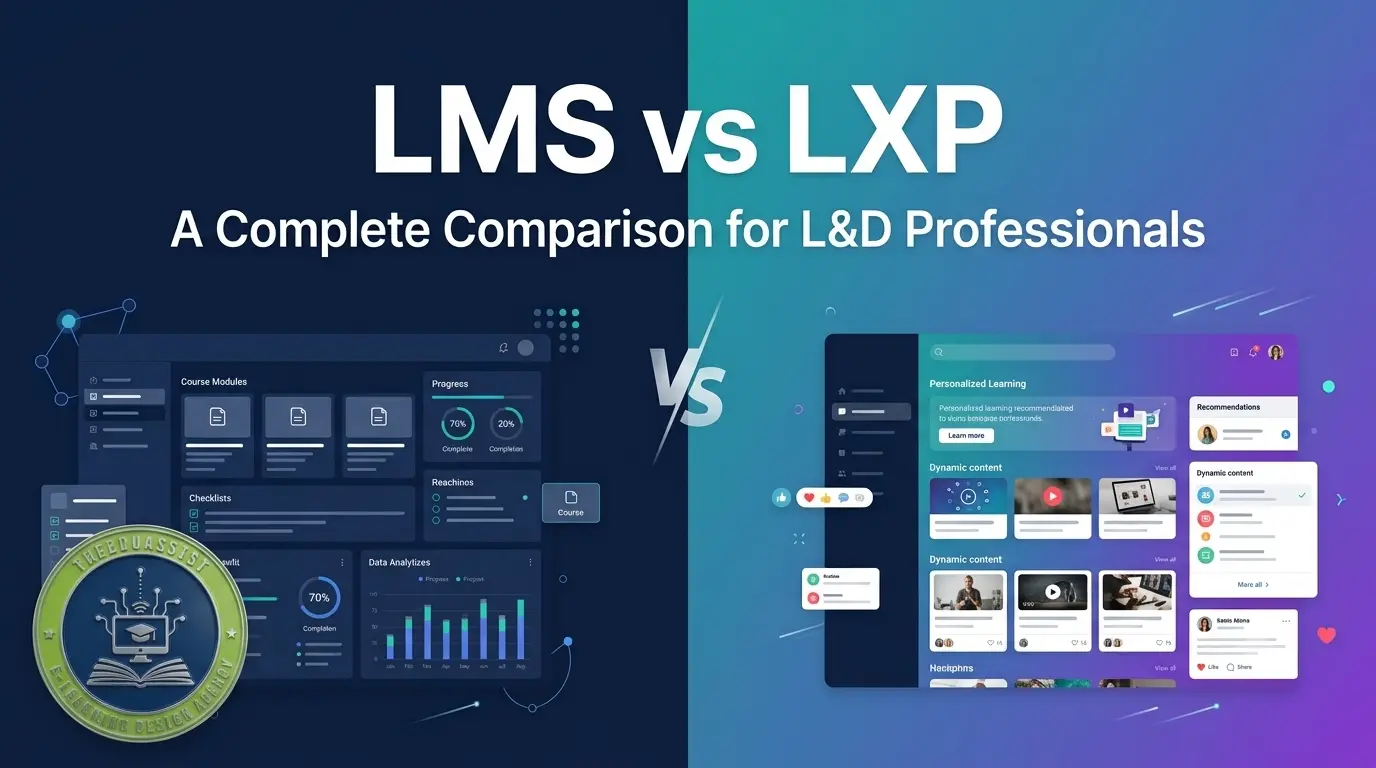
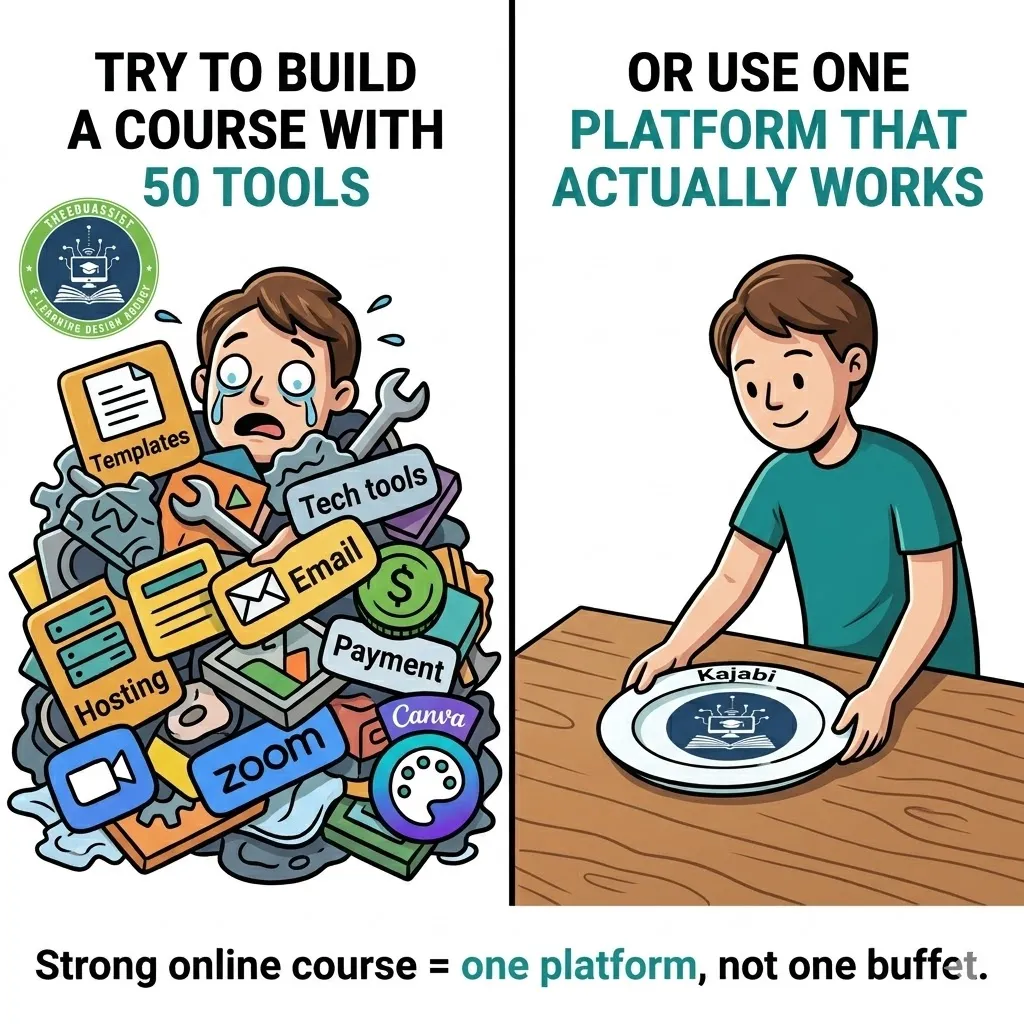
Creating and selling an online course can feel overwhelming. Kajabi is an all-in-one online course platform that helps creators, coaches, and businesses build, market, and sell digital products such as courses, memberships, coaching programs, and communities from a single platform. Many experts, coaches, and educators struggle with scattered tools one platform for videos, another for payments, and separate apps for emails and websites. This leads to technical headaches, rising costs, wasted time, and frustrated students who drop off because the learning experience feels confusing and unprofessional.
Why it matters: Your valuable knowledge can truly transform lives, but a poor setup results in low completion rates, fewer sales, and missed income opportunities. A smooth, professional platform builds instant trust, keeps students engaged, and lets you focus on teaching instead of fixing tech issues.
The solution: It simplifies the entire process so you can launch faster and grow your education business with confidence. At TheEduAssist, we specialize in helping creators and organizations set up successful Kajabi courses efficiently.
Why Choose Kajabi for Your Online Course?
Kajabi stands out as a complete business operating system designed for knowledge creators. You can build, sell, and deliver online courses, memberships, coaching programs, and communities without switching between multiple tools.
Key benefits include:
- Professional course delivery with drip content, quizzes, progress tracking, and certificates
- Built-in marketing tools like landing pages, email automation, and sales funnels
- Seamless payments with support for one-time fees, subscriptions, and payment plans
- Branded mobile app experience for students (on eligible plans)
- Modern templates and AI features to speed up creation
Kajabi removes complexity so you can concentrate on creating impactful learning experiences.
Step 1: Plan Your Course Before You Begin
Success starts with solid planning outside the platform.
- Clearly define your target audience and their biggest challenges
- Map their starting point (Point A) to the desired transformation (Point Z)
- Outline modules and lessons that deliver real results
- Choose content formats: videos, worksheets, audio, quizzes, or downloads
- Validate demand through audience surveys or market research
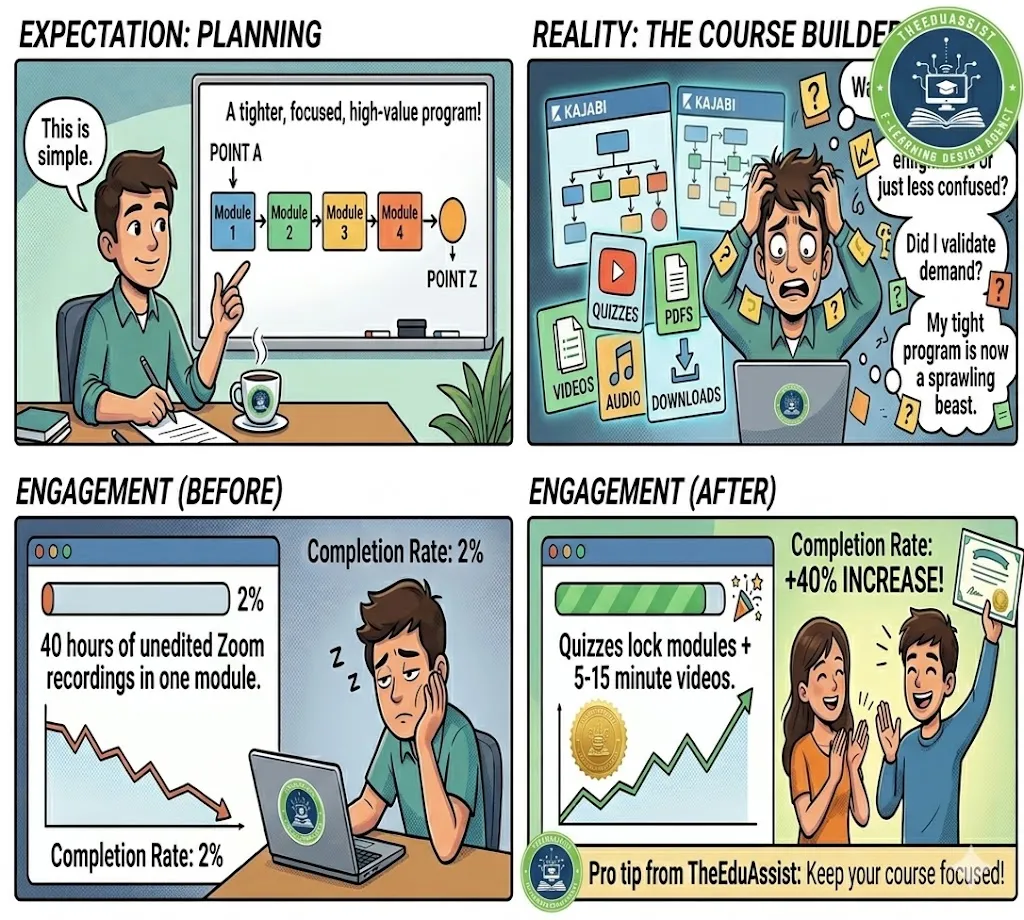
Pro tip from TheEduAssist: Keep your course focused. A tight, high-value program (4–8 modules) often performs better than an overloaded one.
Real example: A career coach creating a “Job Search Mastery” course planned modules around mindset, resume building, interview skills, and negotiation. Each module contained 4–6 short, actionable lessons.

Step 2: Sign Up and Set Up Your Kajabi Account
- Go to Kajabi.com and start your free trial.
- Enter your business details and verify your email.
- Connect your custom domain (recommended for branding).
- Set up payment processors Stripe and PayPal integrate easily.
- Explore the clean dashboard with sections for Products, Marketing, Sales, and Contacts.
Take time to familiarize yourself with the interface. The platform feels intuitive even for non-technical users.
Step 3: Create Your First Course Product(kajabi Online Courses):
- Navigate to Products → + Create New → Course.
- Select a template: Online Course, Drip Course, Membership, or start blank.
- Enter a clear, benefit-driven title (e.g., “Build Your First Website in 21 Days”).
- Write a compelling description focused on student outcomes.
- Upload an attractive course thumbnail.
- Set your pricing strategy (one-time, monthly, or payment plans).
Kajabi’s setup wizard makes this process straightforward.
Step 4: Build and Organize Your Course Content(Setup online Course Kajabi):
This is where Kajabi truly shines with its user-friendly editor.
Inside the course builder:
- Add Modules to group related content (like book chapters)
- Create Lessons within each module
- Upload videos, add text, PDFs, audio files, or external embeds
- Include quizzes to reinforce learning and track progress
- Control release settings: immediate, scheduled drip, or locked until previous lessons are completed
Practical steps:
- Click into your new course.
- Add and name your first module.
- Add lessons one by one.
- Upload or record videos directly in the platform.
- Attach supporting materials.
- Use the preview mode to experience it as a student.
Engagement tips:
- Keep videos between 5–15 minutes
- Add downloadable resources in every module
- Use progress bars and completion certificates
- Enable community discussions for peer support
TheEduAssist client example: We helped a leadership trainer lock modules behind quiz completion. This simple change increased course completion rates by more than 40%.
Step 5: Customize Design and Student Experience
Make your course reflect your unique brand:
- Adjust colors, fonts, and layout to match your website
- Add a welcome video or personalized onboarding message
- Design a clean student dashboard
- Activate the Kajabi branded app so students can learn on mobile
No coding is required. Kajabi’s templates give you a polished, professional look instantly.
Step 6: Set Up Offers, Payments, and Checkouts
- Create an Offer connected to your course
- Define price, payment options, and any upsells or order bumps
- Build a simple sales page or use the built-in checkout
- Add discount codes for special launches
Test the entire purchase flow in preview mode before going live.
Step 7: Market and Automate Your Course
Kajabi’s marketing tools help you attract and nurture students:
- Create high-converting landing pages
- Set up automated email sequences (welcome series, reminders, upsells)
- Build sales pipelines and funnels
- Track detailed analytics on enrollments, completion, and revenue
Example pipeline: Free webinar → Sales page → Automatic enrollment → Onboarding emails.
Step 8: Test, Launch, and Optimize
- Enroll yourself as a test student
- Check every link, video, and payment process
- Run a small beta group and collect feedback
- Launch with a promotion or early-bird offer
- Monitor performance and make improvements
Common mistakes to avoid:
- Putting too much content in one lesson
- Ignoring mobile optimization
- Skipping automation setup
Advanced Tips for Long-Term Success
- Use Kajabi’s AI tools to generate outlines, email copy, or content ideas
- Add a community feature for ongoing engagement
- Create course bundles or membership programs for recurring revenue
- Set up an affiliate program to expand your reach
For complex setups or time-pressed creators, professional help can save months of trial and error. TheEduAssist team provides full Kajabi setup, custom design, content structuring, and launch support tailored to your goals.
Kajabi vs Other Platforms (Quick Overview)
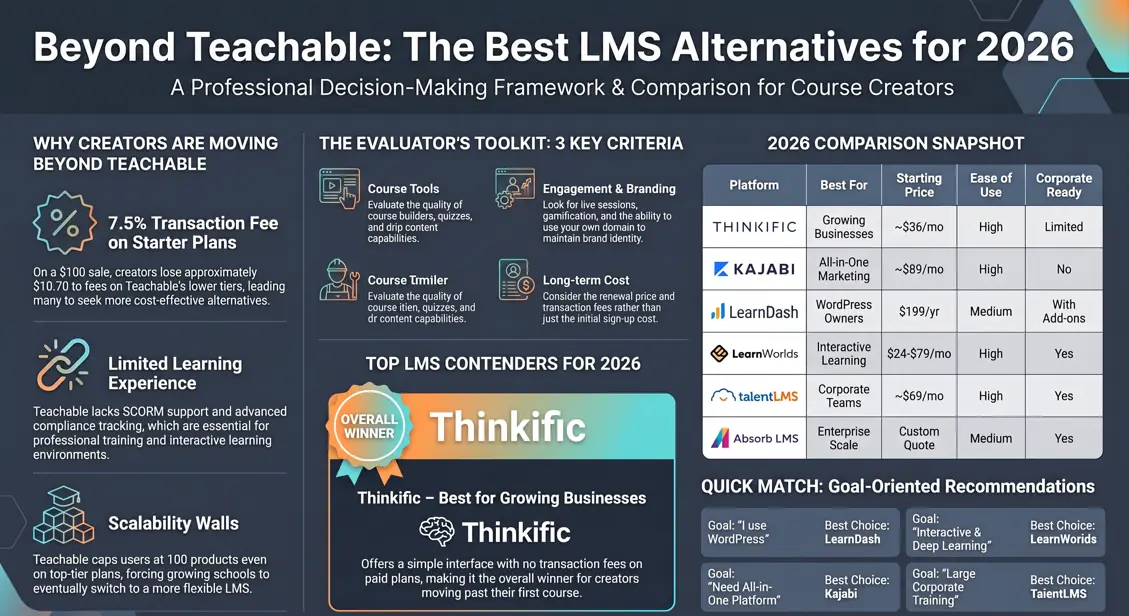
Compared to alternatives like Teachable, Thinkific, or Podia, Kajabi offers stronger all-in-one marketing and automation features. It is especially powerful if you want to build a complete online business rather than just host courses.
Conclusion: Start Building Your Successful Course Today
Setting up your online course on Kajabi gives you a professional, reliable, and scalable foundation. With its integrated tools and student-friendly features, you can create engaging learning experiences that deliver real results and generate sustainable income.
Stop struggling with disconnected tools and fragmented systems. Start creating a course that truly represents your expertise and helps more people achieve their goals.
References
Kajabi. (2026). How to create an online course. Kajabi Help Center. https://help.kajabi.com/articles/products/courses/courses-overview
Kajabi. (2026). Pricing. https://www.kajabi.com/pricing
Kajabi. (2026). The operating system for human expertise. https://www.kajabi.com/product
Kajabi. (2026). Transparent pricing for expert businesses. https://www.kajabi.com/pricing
Kajabi. (n.d.). Kajabi trial information. Kajabi Help Center. https://help.kajabi.com/articles/account-settings/billing/kajabi-trial-information
Kajabi Blog. (2026, April 22). How to create an online course (Step-by-step guide). https://www.kajabi.com/blog/how-to-create-an-online-course
Kajabi Blog. (2023, August 1). How to build an online course on Kajabi. https://www.kajabi.com/blog/how-to-build-an-online-course-on-kajabi
Frequently Asked Questions (FAQs)
1. How much does Kajabi cost in 2026?
Kajabi offers monthly and annual plans. Annual billing gives the best rates:
- Starter: $71–$89/month
- Basic: $143/month
- Growth: $199/month
- Pro: $399/month
Discounts are often available for new users.
2. Does Kajabi offer a free trial?
Yes. Kajabi provides a 14-day free trial (sometimes 30 days). No credit card is required to start.
3. Can I remove Kajabi branding?
Yes. You can remove Kajabi branding starting from the Growth plan and higher.
4. How long does it take to set up a course on Kajabi?
A simple course can be set up in 3–7 days. A fully polished course with marketing funnels usually takes 1–3 weeks.
5. Does Kajabi have a branded mobile app?
Yes. Students can access your course through the Kajabi app on iOS and Android. Branded app experience is available on higher plans.
6. Is Kajabi beginner-friendly?
Yes. The platform is very easy to use with drag-and-drop features, templates, and no coding required.
7. Can I sell more than just online courses on Kajabi?
Absolutely. You can sell memberships, coaching programs, bundles, digital downloads, and more.
8. What is the biggest limitation of the Basic plan?
Limited to 5 products and 2,500 contacts. Most growing creators upgrade to Growth.
9. Does Kajabi integrate with other tools?
Yes. It has strong built-in tools and integrates with Zapier, ManyChat, Google Analytics, and more.
10. Is student data and content secure on Kajabi?
Yes. Kajabi uses secure servers with login protection, drip content, and access controls.
Ready to launch?
Head over to Kajabi to begin your free trial. For expert guidance on setup, design, content strategy, or a full professional launch, reach out to TheEduAssist today. Our team will help you build a high-quality, high-converting course that stands out.
Let’s turn your knowledge into a successful online course. Contact us now and take the first step toward impactful, profitable online education.
Authored By :Atiqa Sajid http://www.linkedin.com/in/atiqa-hassan-a3146a3a9