

Most Kajabi creators build their course, set up a basic welcome email, and call it done. Then they wonder why growth feels like pushing a boulder uphill. The honest answer is usually this: they are doing manually what a well-built automation system should be doing for them.
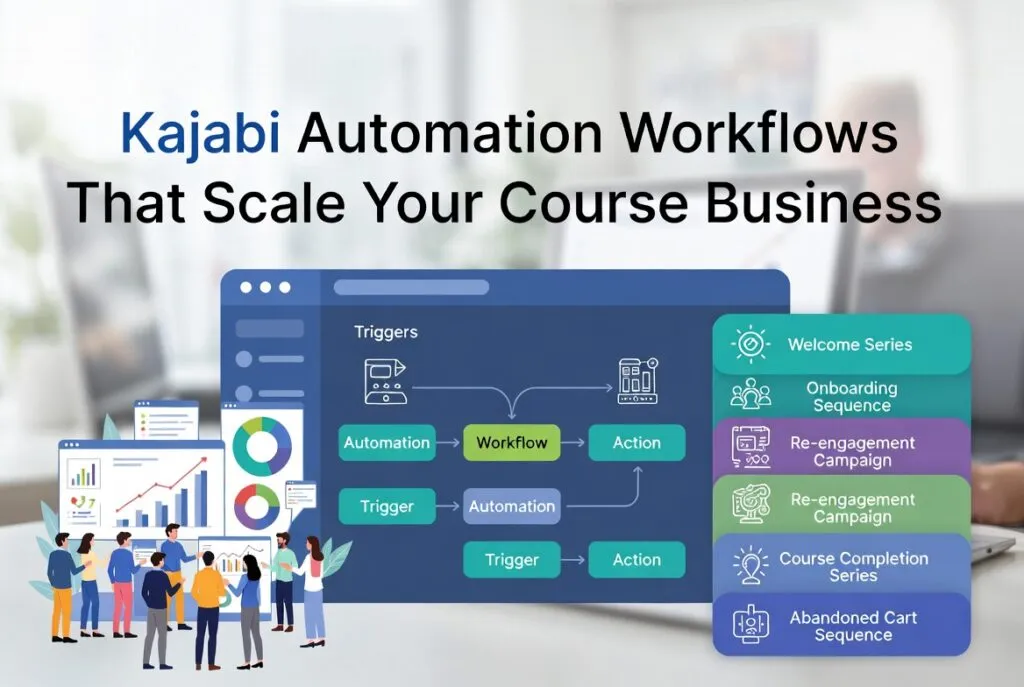
Kajabi’s automation tools are genuinely powerful, but only when they are wired together with intention. This guide walks you through the highest-impact Kajabi automation workflows that help you scale your revenue, reclaim your time, and give every subscriber a consistent, personalized experience, without burning yourself out in the process.
If you are just getting started with email in Kajabi, it is worth reading our guide on Kajabi Email Campaigns: A Practical Guide to Boosting Opens, Clicks and Course Sales first. This article builds on those foundations.
1. Kajabi Automations: What They Are & Why They Matter
Kajabi Automations live under the Marketing tab and work as an if-this-then-that logic engine sitting behind your entire business. When a subscriber does something (a trigger), Kajabi responds with a series of actions automatically.
The three things that make Kajabi automations particularly valuable for course creators are:
- They connect directly to your products, offers, tags, and email sequences, all in one platform without third-party tools.
- They respond to behaviour rather than just dates, which means every subscriber gets a relevant experience based on where they actually are in their journey.
- Once built, they run without you. That is the compounding advantage. You do the work once and it pays you back indefinitely.
There are four automation components you need to understand before building anything:
| Component | What It Does |
| Trigger | The event that starts the automation (e.g. tag added, offer purchased) |
| Condition | Optional Filter (e.g. only if contact has a certain tag) |
| Action | What Kajabi does next (e.g send email, add tag, give access) |
| Delay | A gap in time between actions (e.g. wait 3 days before sending next email) |
2. The Five Kajabi Automation Workflows Every Creator Needs
A. The Welcome and Lead Nurture Workflow
This is the first automation every Kajabi creator should build, and most people set it up too thin. The trigger is simple: someone opts into your lead magnet or free resource. What happens next is where most creators leave money on the table.
A proper welcome workflow does not just deliver the freebie and go quiet. It warms the lead over five to seven days, introduces your expertise, and moves them toward a purchase decision naturally. The automation chain should look like this:
- Trigger: Tag added (e.g. ‘Lead Magnet Download’)
- Action: Send lead magnet delivery email immediately
- Delay: 1 day
- Action: Enrol in welcome email sequence (your 5-email nurture series)
- Condition: If contact purchases offer within sequence, remove from sequence and add ‘Buyer’ tag
That final condition is critical. Without it, new buyers receive nurture emails written for cold leads, which is jarring and unprofessional. The system should always know where someone is.
B. The Post-Purchase Onboarding Workflow
The moment someone buys from you is the peak of their motivation. Most creators waste it with a generic confirmation email. A strong onboarding workflow turns that moment into the beginning of a high-completion, high-satisfaction experience.
Build your onboarding automation like this:
- Trigger: Offer purchased
- Action: Grant product access
- Action: Add tag ‘Active Student’
- Action: Remove from any pre-sales email sequences
- Delay: Immediate
- Action: Send personal welcome email from you (not a generic Kajabi template)
- Delay: 2 days
- Action: Enrol in onboarding drip sequence
Your onboarding sequence should guide students through their first week: where to start, what to expect, how to get the most from the programme, and ideally a quick win in the first 48 hours. For more detail on building this kind of email system, see our article on Kajabi Email Marketing Funnels for Better Course Sales.
C. The Re-Engagement Workflow
Inactive subscribers drag down your deliverability. Gmail and Outlook track engagement signals; when a large chunk of your list consistently ignores your emails, inbox placement suffers for everyone. A re-engagement automation handles this quietly in the background.
Here is how to set it up:
- Trigger: Contact has not opened an email in 60 to 90 days
- Action: Add tag ‘Re-engagement Needed’
- Action: Enrol in re-engagement sequence (3 to 5 emails over two weeks)
- Condition: If contact opens or clicks any email in sequence, remove tag and exit sequence
- Condition: If contact reaches end of sequence without engaging, add tag ‘Suppress’ and stop all marketing emails
This feels counterintuitive. Why would you stop emailing people? Because sending to an unengaged list actively hurts your deliverability for the subscribers who do want to hear from you. A clean, engaged list of 2,000 people will consistently outperform a bloated list of 10,000.
D. The Course Completion and Upsell Workflow
This is one of the most under-used automations in Kajabi, and one of the highest-converting. When a student finishes your course, they are at the peak of their results and their trust in you. That is precisely the right moment to introduce your next offer.
Set it up like this:
- Trigger: Final lesson marked complete
- Action: Add tag ‘Course Completer’
- Action: Remove from active student drip sequence
- Delay: 1 day
- Action: Send personalised congratulations email
- Delay: 2 days
- Action: Enrol in upsell email sequence for your next logical offer
The upsell sequence does not need to be long. Three to five emails over a week or two is enough; one celebrating their result, one bridging to the next challenge they will face, one introducing your next offer, and one with a close. Keep it conversational.
E. The Abandoned Cart Workflow
Someone visits your checkout page but does not complete the purchase. In most cases, it is not because they are not interested; it is because life got in the way, they had a question, or they hesitated at the last moment. A three-email abandoned cart sequence recovers a meaningful percentage of those sales.
- Trigger: Access of Checkout page but no purchase of product (using Kajabi page trigger + tag logic)
- Delay: 1 hour
- Action: Send Email 1—a soft “Did something come up?” email with a direct link back to checkout
- Delay: 24 hours
- Action: Send Email 2 to overcome the most common objection (usually price or time)
- Delay: 48 hours
- Action: Email 3, low pressure last push with FAQ or testimonial
- Condition: If any purchase made, exit sequence and trigger onboarding workflow
3. Stacking Automations: How the System Compounds
It’s not the individual workflows that give Kajabi automation’s true power, but rather how they link up with one another. Think of it as a decision tree that smartly answers every single subscriber, not as a bunch of isolated sequences.
This is what a fully connected automation system looks like for the average Kajabi course creator:
| Subscriber Action | Automation Triggered | What Happens Next |
| Lead magnet download | Welcome workflow | 5-email nurture sequence starts |
| Buys course during nurture | Purchase trigger fires | Exit nurture; onboarding begins |
| Becomes inactive for 60 days | Re-engagement workflow | 3-email win-back series |
| Completes course | Completion trigger fires | Upsell sequence for next offer |
| Visits checkout, no purchase | Abandoned cart workflow | 3-email recovery sequence |
| Buys from upsell sequence | New purchase trigger | New onboarding workflow begins |
When this system is fully operational, every subscriber is always receiving something relevant to where they are. No one falls through the cracks. No one gets an upsell email before they have finished onboarding. And you are not manually managing any of it.
4. Common Kajabi Automation Mistakes to Avoid
Building automations incorrectly can be worse than not having them at all. Here are the patterns that most often derail Kajabi creators:
Not Removing Contacts from Old Sequences
If someone buys your course but is still enrolled in a sales nurture sequence, they will keep receiving emails positioning your course as something they should consider buying. Always add an exit condition when a purchase is made.
Overlapping Tags Creating Duplicate Enrolments
If two different automations can both fire for the same contact, you may accidentally enrol someone in the same sequence twice, which results in duplicate emails. Use conditions and tag logic carefully to prevent this.
Sequences With No Re-entry Logic
By default, Kajabi will not re-enrol a contact in a sequence they have already completed. That is usually correct, but sometimes you want a contact to re-enter a sequence (for example, if they buy a second course). Plan this intentionally.
Ignoring the Analytics
Kajabi shows you where contacts drop off in sequences. If the third email in your onboarding sequence has a significantly lower open rate than the first two, that is your signal to rewrite it. Review sequence analytics monthly, at minimum.
5. Tools That Work Alongside Kajabi Automations
Kajabi handles most of what a course creator needs natively. But for creators running more complex operations, a few external tools integrate cleanly and add capability without creating unnecessary complexity:
- Zapier connects Kajabi to tools outside its ecosystem, for example, pushing a new student’s details into a Google Sheet or notifying your team in Slack when a high-ticket offer is purchased.
- Segment or ConvertKit if you are running email marketing across multiple platforms, tools like these can centralise your contact data. That said, for most Kajabi creators, staying entirely within Kajabi is simpler and more effective.
- Loom or Vidyard embedding short personalised video messages in key automation emails (especially your welcome and onboarding emails) consistently lifts open and engagement rates.
For a broader look at how email and automation fit inside a complete Kajabi sales system, our guide on Kajabi Sales Funnel Strategy for 2026 Growth covers the full funnel architecture from first click to course completion.
Final Thoughts
Kajabi automation is not about making things complicated. It is about making things consistent. A student who buys your course at 11pm on a Tuesday should receive the same quality onboarding experience as one who buys at noon on a Monday. A lead who goes quiet for two months should get a thoughtful re-engagement email without you ever knowing they went quiet.
The automations described in this guide are not advanced tactics reserved for creators with tens of thousands of subscribers. They are the baseline. If you are serious about scaling on Kajabi, these workflows are what allows growth to happen without proportionally more of your time.
Start with the welcome workflow. Then build your onboarding sequence. Add re-engagement. Layer in completion and upsell logic. Each one you add makes the whole system more capable, and more of your growth happens without you being present for it.
Need Help Building Your Kajabi Automation System?
At TheEduAssist, we design and build complete Kajabi automation systems: from welcome sequences and onboarding workflows to full re-engagement and upsell infrastructure. If you want a system that works while you create, we can build it for you.
Info@theeduassist.com | theeduassist.com
FAQs
How Many Automations Do I Need to Start Scaling on Kajabi?
You do not need many to start. The three non-negotiables are a welcome workflow for new leads, a post-purchase onboarding workflow for new students, and a re-engagement workflow for inactive contacts. Those three alone will meaningfully improve your conversion rates and student experience.
How to Know If Your Business Process Can Be Automated?
Any business process that is repetitive, rule-based and happens often enough that the time saved is worth the effort of setting it up is a good candidate for automation. If a human can do it, following a clear and consistent set of steps, with not too much judgement or creativity, then a machine probably can too. Could I write specific instructions for this task that anyone could follow without decision? If it is, chances are it can be automated.
How to Set Up Email and Calendar Management Automation
Set up your email and calendar with an automation tool like Zapier or Make and create rules that automatically trigger actions such as turning starred emails into calendar events, sending reminders about meetings, or categorising incoming emails into folders based on keywords. Once you’ve defined your triggers and actions, the system runs in the background and takes care of scheduling, follow-ups and organisation without you having to manually intervene.
Is Kajabi’s Built-In Automation Enough or Do I Need Zapier?
Zapier is worth adding if you need to connect Kajabi to tools outside its ecosystem, such as CRM software, project management tools, or external analytics platforms. Start native; add Zapier only when you have a specific use case that requires it.
References
Kajabi Help Centre. (2026). Automations Overview.
Kajabi Blog. (2026). How to Build an Online Course on Kajabi.
Mailchimp. (2026). Email Marketing Benchmarks and Statistics.
Business Wire. (2025). Kajabi Unveils Largest Ever Product Upgrade.
TheEduAssist. (2026). Kajabi Email Marketing Funnels for Better Course Sales.
Authorized By
Hifza Naeem
