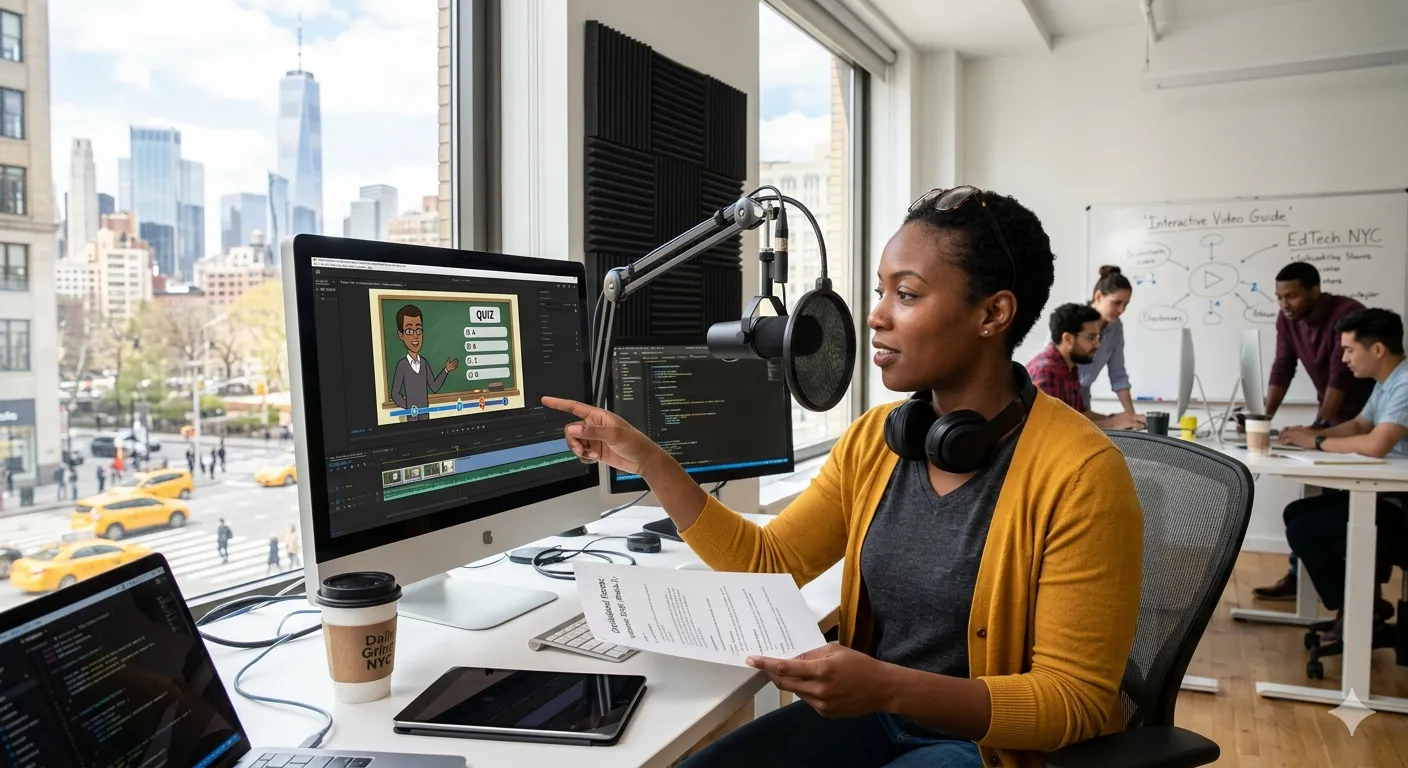
New York is one of the most competitive e-learning hubs where several e-learning businesses like NYU Tandon Digital Learning, Opus, and Macmillan Learning are already operating. To compete with businesses like these, creating interactive e-learning content, including educational videos, is essential for e-learning platforms.
Why Interactive Video Is Becoming Essential for EdTech Startups:
Whether launching professional training programs, certification courses, or coaching platforms, these organizations must deliver content that is not only informative but also highly engaging.
For many startups building online courses, video lessons remain the backbone of their learning experience. However, producing high-quality training videos can be a complex process involving scripting, recording voiceovers, designing visuals, and integrating the final content into a Learning Management System (LMS).
A common scenario faced by many course creators is this: the voiceover is already recorded, but the team now needs a skilled video editor who can transform that audio into visually engaging learning content.
This stage—where voiceover meets visuals—is often where the quality of the final eLearning experience is determined. Without strong instructional design and educational video editing, even well-written content may fail to capture learner attention.
The Core Challenge: Turning Voiceovers into Engaging eLearning Videos:
Many EdTech startups begin their course production by recording professional voiceovers for their lessons. This approach makes sense because narration often carries the core teaching message.
However, once the audio is ready, teams frequently encounter a major challenge: how to build compelling visuals that match the voiceover and enhance learning.
The problem is not simply technical editing. Instead, it involves aligning visuals, animations, and on-screen information with the spoken instruction in a way that supports learning outcomes.
Common difficulties include:
- Choosing the right visual style
- Synchronizing graphics with narration
- Avoiding cluttered slides or text-heavy screens
- Creating visual flow that supports comprehension
Without a clear production strategy, the final video may feel static or disconnected from the voiceover.
Why Many Learning Videos Fail to Engage Learners:
Several factors contribute to ineffective learning videos.
Visuals That Don’t Support the Audio
One of the most common issues is simply displaying slides while the narrator speaks. When visuals fail to reinforce the explanation, learners may lose focus.
In effective eLearning design, visuals should illustrate concepts rather than repeat spoken text.
Lack of Instructional Structure
Many videos are edited purely from a production perspective rather than an instructional design perspective. As a result, key learning elements—such as examples, summaries, and visual cues—may be missing.
Minimal Interactivity
Modern learners expect interactive learning experiences rather than passive video consumption. Without questions, prompts, or scenario-based visuals, learners may disengage quickly.
Weak Storyboarding
When videos are edited without a clear storyboarding plan, visuals often appear inconsistent or poorly timed with the narration.
For EdTech startups competing in a crowded market, these issues can significantly reduce the effectiveness of their course creation efforts.
The Risks of Poor Video Integration:
Failing to properly integrate voiceovers with visuals can create several challenges for EdTech platforms.
- Reduced learner engagement
Students are less likely to complete lessons that feel visually dull or repetitive. - Lower course completion rates
Poor video structure can make complex topics harder to understand. - Weak brand credibility
For startups selling educational programs, the visual quality of training videos directly affects perceived professionalism. - Limited scalability
Courses that require constant re-editing due to poor production workflows can slow business growth.
To avoid these issues, startups must adopt a structured process for creating interactive learning videos.
A Practical Framework for Creating Interactive eLearning Videos:
Developing effective learning videos with pre-recorded voiceovers requires a combination of instructional design, video editing expertise, and modern EdTech tools.
Step 1: Start With Instructional Storyboarding
Before editing begins, teams should create a storyboard outlining:
- The sequence of visual elements
- Key learning points
- Examples and demonstrations
- Interactive prompts
Storyboarding ensures the final video supports adult learning principles (andragogy) and maintains logical flow.
Step 2: Match Visuals to the Voiceover
The next step is aligning visuals with narration.
For example:
- Diagrams to explain processes
- Animated highlights for key points
- Icons or illustrations to reinforce concepts
This technique prevents cognitive overload and improves learner understanding.
Tools such as Canva for educational design can help teams quickly create visual assets that complement voiceovers.
Step 3: Add Interactive Learning Elements
Interactive features transform passive videos into engaging learning experiences.
Examples include:
- Pause-and-reflect prompts
- Scenario-based visuals
- Knowledge-check questions
These elements are especially effective when delivered through LMS platforms that support interactive video modules.
Step 4: Use Professional Educational Video Editing
Skilled video editing for educational content ensures that transitions, pacing, and visuals support the learning experience.
Editors may incorporate:
- Animated diagrams
- Motion graphics
- Text highlights
- Timing adjustments for clarity
Some teams also use AI-powered tools such as Synthesia or HeyGen to enhance video production and streamline workflows.
Step 5: Optimize Videos for LMS Delivery
Finally, videos should be formatted for integration into Learning Management Systems.
Many platforms support SCORM-compatible modules, allowing teams to track learner progress and engagement.
Summing Up:
For EdTech startups in New York, creating engaging training videos involves far more than basic editing. The most effective learning videos combine instructional design, storyboarding, and professional video editing to ensure visuals reinforce the teaching message.
When pre-recorded voiceovers are paired with thoughtful visual design and interactive elements, learning videos become powerful tools for delivering impactful online courses.
Startups that invest in structured video production workflows—and when needed, professional custom elearning development services—can produce learning experiences that are both scalable and highly engaging.
Citations:
- https://engineering.nyu.edu/academics/programs/digital-learning
- https://www.opus.so/
- https://www.macmillanlearning.com/ed/uk
- https://elearningindustry.com/voice-overs-in-elearning-a-guide-to-choosing-the-right-voice-and-style
Frequently Asked Questions:
- How can pre-recorded voiceovers be turned into engaging eLearning videos?
Pre-recorded voiceovers can be enhanced with visuals, animations, and interactive elements that reinforce key concepts. Applying instructional design and storyboarding techniques ensures the visuals align with the learning objectives. - What tools are commonly used for creating interactive learning videos?
Many EdTech teams use tools such as Canva for educational graphics, Articulate Storyline, Rise 360, and AI video platforms like Synthesia or HeyGen to produce engaging eLearning content. - Why is storyboarding important in educational video editing?
Storyboarding helps organize the visual flow of a lesson before editing begins. It ensures visuals, narration, and interactive elements support adult learning principles and improve learner comprehension. - Can interactive learning videos be integrated into an LMS?
Yes. Most Learning Management Systems (LMS) support video modules that include quizzes, prompts, and SCORM-based tracking for learner engagement and progress. - Should EdTech startups outsource educational video editing?
Outsourcing can be beneficial when teams lack expertise in instructional design and educational video editing. Professional editors can transform simple voiceovers into visually engaging online course content.