The global expansion of e-learning and Edtech has created unprecedented opportunities for educators, trainers, and subject-matter experts to launch their own online course programs. Platforms and learning management systems (LMS) now allow independent instructors, corporate L&D teams, and training consultants to reach learners worldwide.
However, while course creation tools have become easier to access, the process of developing a high-quality learning experience remains complex. Course creators are expected to design engaging lessons, produce clear visuals, incorporate interactive learning, and ensure that their material aligns with strong instructional design principles. One of the most common bottlenecks in this process is slide design.
Slides remain the backbone of most digital courses, webinars, and microlearning modules. Yet designing professional slides requires time, visual storytelling skills, and an understanding of how learners process information. As a result, many course creators face a recurring decision: Should they design their slides themselves, or outsource the task to professional designers?
Understanding the trade-offs between these two approaches is essential for anyone building scalable e-learning programs.
The Core Problem: Time vs Quality in E-learning Course Development
Most course creators begin by designing their own slides. After all, they know the subject matter best, and modern presentation tools appear simple to use.
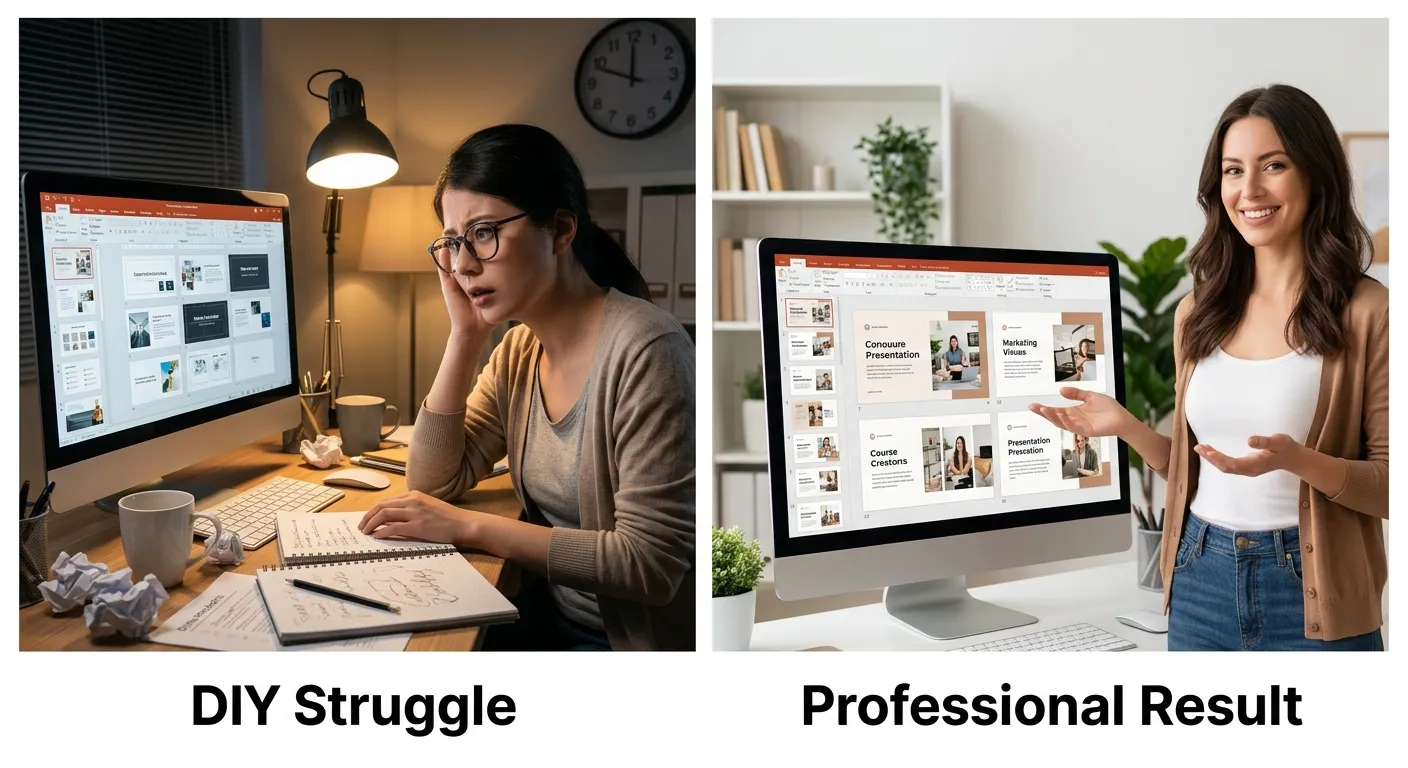
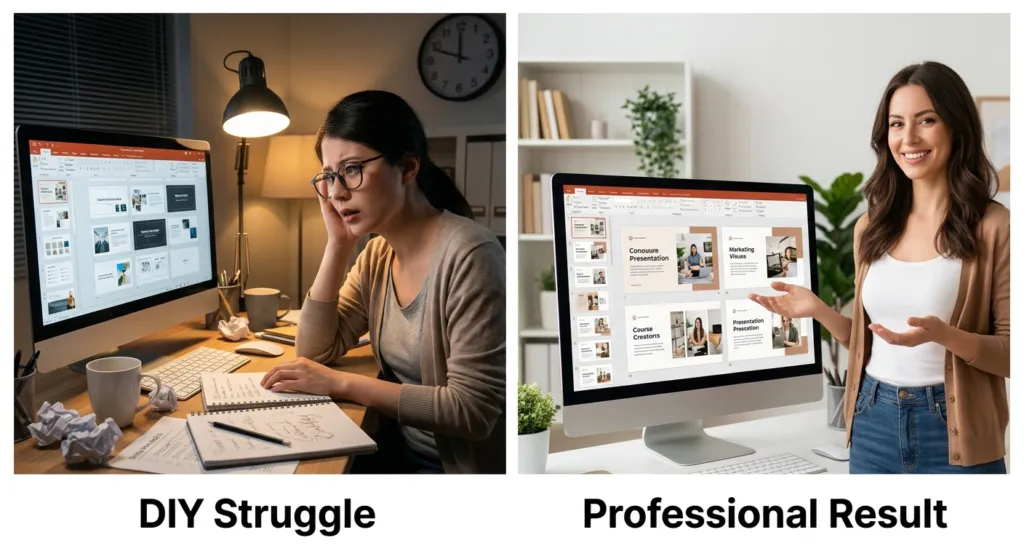
But as course development progresses, many realize that DIY slide design quickly becomes time-consuming. What initially seemed like a straightforward task can turn into hours spent adjusting layouts, selecting icons, or formatting visuals.
This problem is particularly common for professionals building:
- Corporate L&D training programs
- Academic or professional online courses
- Microlearning content for LMS platforms
- Certification preparation programs
While the instructor may have deep expertise in the topic, they may not have training in visual communication or instructional design. The result is often slides that communicate information but fail to fully engage learners.
Consequently, course creators must evaluate whether continuing the DIY approach is sustainable—or whether outsourcing slide design may produce better results.
Why DIY Slide Design Often Becomes a Bottleneck
There are several reasons why self-designed slides can slow down course production.
Lack of Visual Design Expertise
Effective e-learning slides are not simply bullet points on a screen. They must support the learning process by highlighting key concepts, organizing information clearly, and guiding the learner’s attention.
Professional slide designers often apply instructional design and visual hierarchy principles, which many subject-matter experts have not formally studied.
Time Investment
Creating polished slides takes far longer than most course creators expect. Tasks such as choosing layouts, creating diagrams, and ensuring visual consistency across modules can significantly extend production timelines.
For creators building a full online course, slide development can consume a large portion of the overall project schedule.
Limited Learner Engagement
Modern learners expect more than static presentations. Successful Edtech courses increasingly include:
- Interactive learning elements
- Visual storytelling
- Short microlearning segments
- Scenario-based instruction
DIY slides often lack these engagement features, reducing the overall learning impact.
The Hidden Costs of Poor Slide Design
While DIY slides may appear to save money initially, poorly designed course materials can create long-term disadvantages.
- Lower learner engagement
If slides are text-heavy or visually confusing, learners may struggle to stay focused. - Reduced learning effectiveness
Poor information structure makes it harder for students to retain knowledge. - Lower course completion rates
Engagement problems frequently lead to learners dropping out before completing the course. - Weak brand perception
For creators selling professional training programs, the visual quality of course materials significantly influences credibility.
These factors explain why many successful Edtech entrepreneurs and L&D teams eventually reconsider the DIY approach.
Comparing DIY Slide Design and Professional Outsourcing
Understanding the practical differences between the two options helps course creators make informed decisions.
DIY Slide Design
Advantages
- Lower upfront financial cost
- Full creative control over content
- Immediate editing flexibility
Disadvantages
- High time investment
- Inconsistent visual quality
- Limited instructional design support
- Slower course production timelines
DIY design can work well for smaller projects or early course prototypes, particularly when creators are testing a new online course concept.
Professional Slide Design
Advantages
- Visually polished course materials
- Faster development timelines
- Improved learner engagement
- Alignment with instructional design best practices
Professional designers often collaborate closely with course creators, transforming raw content into structured e-learning slides optimized for digital learning environments.
Disadvantages
- Upfront financial investment
- The need to communicate design requirements clearly
For larger training programs or revenue-generating courses, outsourcing often provides a strong return on investment.
A Practical Framework for Deciding When to Outsource
Course creators can evaluate their situation using a simple decision framework.
Step 1: Assess Your Course Scope
If you are producing a short workshop or pilot course, DIY slides may be sufficient. However, full LMS-based training programs with multiple modules often benefit from professional design support.
Step 2: Calculate Your Time Investment
Estimate how many hours you spend designing slides. If slide design is delaying course completion, outsourcing may significantly accelerate your project timeline.
Step 3: Evaluate Learner Experience
Consider whether your slides support modern elearning learning strategies, including:
- Visual explanations
- Scenario-based examples
- Microlearning segments
- Interactive elements
If engagement feels limited, professional designers can enhance course delivery.
Step 4: Consider Hybrid Approaches
Some course creators adopt a hybrid model: they draft initial slides and then hire a designer to refine the final presentation.
This approach balances subject expertise with professional visual design.
Summing Up
In today’s competitive Edtech and e-learning landscape, course creators must balance efficiency with quality. While DIY slide design offers flexibility and cost savings in the early stages of course development, it can quickly become a bottleneck as projects grow in complexity.
Professional slide designers bring expertise in instructional design, visual storytelling, and learner engagement, helping transform raw content into compelling learning experiences.
Ultimately, the decision between DIY and outsourcing depends on your goals, timeline, and the scale of your online course program. But for many creators, investing in professional slide design can significantly improve both the learning experience and the long-term success of their courses.
CTA
If you are developing an e-learning program or planning to launch an online course, evaluate how much time you currently spend on slide design. Outsourcing key elements of course production may allow you to focus on what matters most—delivering valuable knowledge to your learners.
Frequently Asked Questions (FAQs):
- Should course creators design their own slides or hire a professional designer?
It depends on the scope of the project and the creator’s available time. Many instructors start by designing slides themselves when building a small online course or pilot module. However, for large e-learning programs, professional slide designers often improve visual clarity, learner engagement, and overall course quality. Designers trained in instructional design can structure content in a way that supports effective learning outcomes. - How much time does slide design typically take when creating an online course?
Slide design can consume a significant portion of course production time. For example, creating slides for a single lesson may take several hours when formatting visuals, diagrams, and layouts. When developing a full e-learning course with multiple modules, slide creation can take weeks. Outsourcing design work can reduce production time and allow course creators to focus on content and learning strategies. - How do professional slide designers improve e-learning courses?
Professional designers use instructional design principles, visual hierarchy, and interactive learning elements to improve course materials. Instead of text-heavy slides, they create visuals that guide learners through concepts more effectively. In modern Edtech environments, designers may also incorporate microlearning structures, scenario-based slides, and LMS-compatible formats to enhance learner engagement. - Can AI help course creators design slides faster?
Yes, AI-powered tools are increasingly being used in Edtech and e-learning development. AI can assist with generating slide layouts, summarizing content, and suggesting visual elements. However, while AI can speed up content creation, it often cannot fully replace the expertise of a professional instructional designer, especially for complex online course structures that require strong pedagogical planning. - What slide design features improve learner engagement in e-learning?
Effective e-learning slides typically include visual storytelling, clear information hierarchy, and interactive elements. Many modern courses also use microlearning modules, scenario-based slides, and embedded questions to maintain learner attention. When these elements are aligned with strong instructional design strategies and delivered through an LMS platform, they significantly improve learner retention and course completion rates.
Citations
- https://infomineo.com/services/graphic-design/professional-vs-diy-the-best-ppt-presentation-design-solution/
- https://www.sketchbubble.com/blog/diy-vs-professional-presentation-design-agency-what-to-choose/